We get asked this constantly: "What should I actually buy?" Rather than vague recommendations, here are five complete AI workstation builds — from under $2,000 to enterprise-grade — with full specifications and honest assessments of who each one is right for.

Modern AI workstations range from consumer-grade setups to research-grade multi-GPU towers.
Build 1: The Starter (Under $2,000)
The Starter Build
Best for: developers getting into local AI, small business owners
~$1,800
GPU
RTX 4070 Ti Super (16GB)
CPU
AMD Ryzen 7 7800X3D
RAM
32GB DDR5-6000
Storage
2TB NVMe SSD
PSU
850W 80+ Gold
OS
Ubuntu 22.04 LTS
Runs: 7B–13B models at full quality. 20B models at Q4. Fine-tunes up to 7B with LoRA. Good for RAG pipelines, agent development, and coding assistance.
Build 2: The Developer Sweet Spot (~$3,500)
The Developer Workhorse
Best for: serious AI developers, ML engineers, small team inference servers
~$3,500
GPU
RTX 4090 (24GB) — best available
CPU
Intel Core i9-14900K
RAM
64GB DDR5-5600
Storage
4TB NVMe (2× 2TB)
PSU
1000W 80+ Platinum
Cooling
360mm AIO liquid cooler
Runs: 20B–34B models at full quality. 70B at Q4_K_M with CPU offloading (slow). Fine-tunes 13B with QLoRA. The best single-GPU developer workstation in 2025.

The RTX 4090 remains the single best consumer GPU for AI workloads in 2025.
Build 3: The Portable Professional (MacBook Pro)
M3 Max MacBook Pro 14"
Best for: consultants, privacy-first teams, anyone who needs laptop form factor
$3,999
Chip
Apple M3 Max
Unified RAM
48GB (GPU + CPU shared)
Storage
1TB SSD (upgrade to 2TB: +$200)
Display
14.2" Liquid Retina XDR
Battery
22 hrs standard, 8+ hrs LLM inference
Noise
Silent (fanless during inference)
Runs: 70B models natively in 48GB unified memory. Only laptop that can run 70B without cloud. Excellent for everything except heavy fine-tuning.
Build 4: The Dual-GPU Research Station (~$6,500)
Dual RTX 4090 NVLink
Best for: researchers, teams running 70B+ models, regular fine-tuning
~$6,500
GPU
2× RTX 4090 (48GB NVLink)
CPU
AMD Threadripper PRO 7960X
RAM
128GB DDR5 ECC
Storage
8TB NVMe (RAID 0)
PSU
1600W Titanium
Case
Full tower with top GPU clearance
Runs: 70B models at Q8 (nearly lossless). QLoRA fine-tunes 70B models. Handles production inference for teams of 5–10 concurrent users.
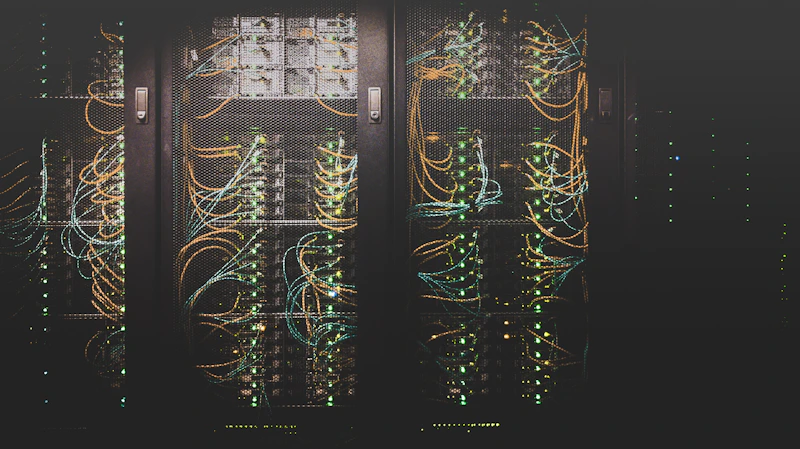
Dual-GPU configurations unlock 70B model fine-tuning that's otherwise only available on cloud A100s.
Which build should you pick? If you're an individual developer: Build 2 (RTX 4090 desktop) or Build 3 (M3 Max Mac) depending on whether you prioritize throughput or portability. If you're a team serving multiple users: Build 4 (dual 4090). If you're experimenting on a budget: Build 1 is surprisingly capable.
We'll Help You Pick the Right Build
Tell us your workload and budget. We spec the right hardware and help you configure it properly.
Get a Free AI Audit